Fictional Booking Prototype
Book Your Next Journey With Confidence
Search flights, compare airlines, and complete your booking in one simple experience.
Search flights, compare airlines, and complete your booking in one simple experience.
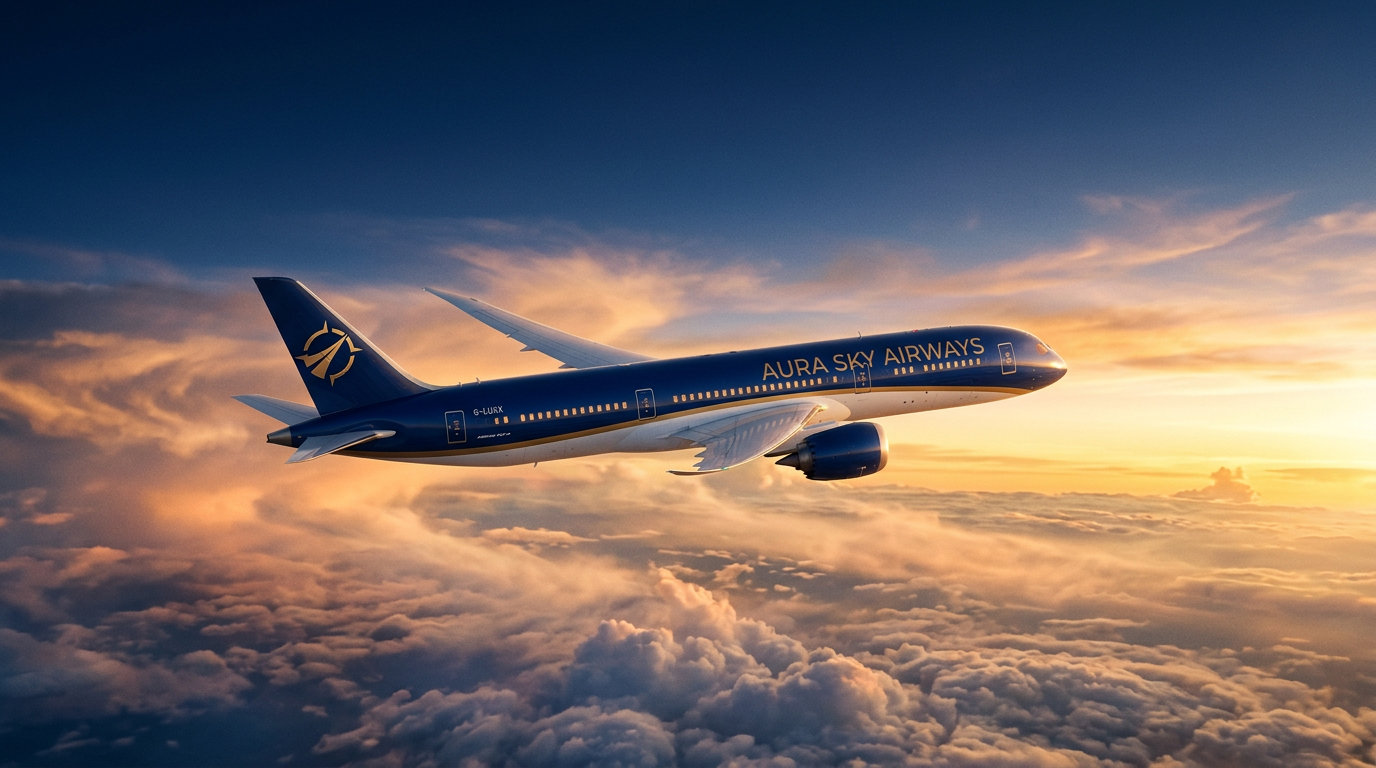
SkyRoute's interface borrows its rhythm from the terminal itself — clouds drift past the hero, a route line traces its path across the map, and a departing aircraft glides overhead. None of this motion is decoration for its own sake: it echoes the feeling of watching a runway from a window seat.
Soft cloud shapes cross the hero at different speeds, giving the header a sense of altitude and depth rather than a flat static image.
Dashed flight paths trace from origin to destination across the map graphics used in search and results, reinforcing direction and progress.
A small aircraft glyph glides steadily across the header, a quiet nod to departure boards without ever feeling cartoonish or gimmicky.
The booking journey opens with a focused search form rather than an overwhelming list of choices. You pick an origin, a destination, your travel dates, how many people are flying, and the cabin class you want to fly in — nothing more is asked of you at this stage.
Every field on the Search page carries forward automatically, so by the time you reach flight comparisons, your trip context is already locked in. No re-entering dates, no guessing whether your passenger count survived the page change.
Go to Flight SearchThese destinations are among the most searched inside the SkyRoute prototype, each representing a different reason to fly — business hubs, historic capitals, and coastal skylines all reachable through the same guided booking flow.

Business hub, direct routes
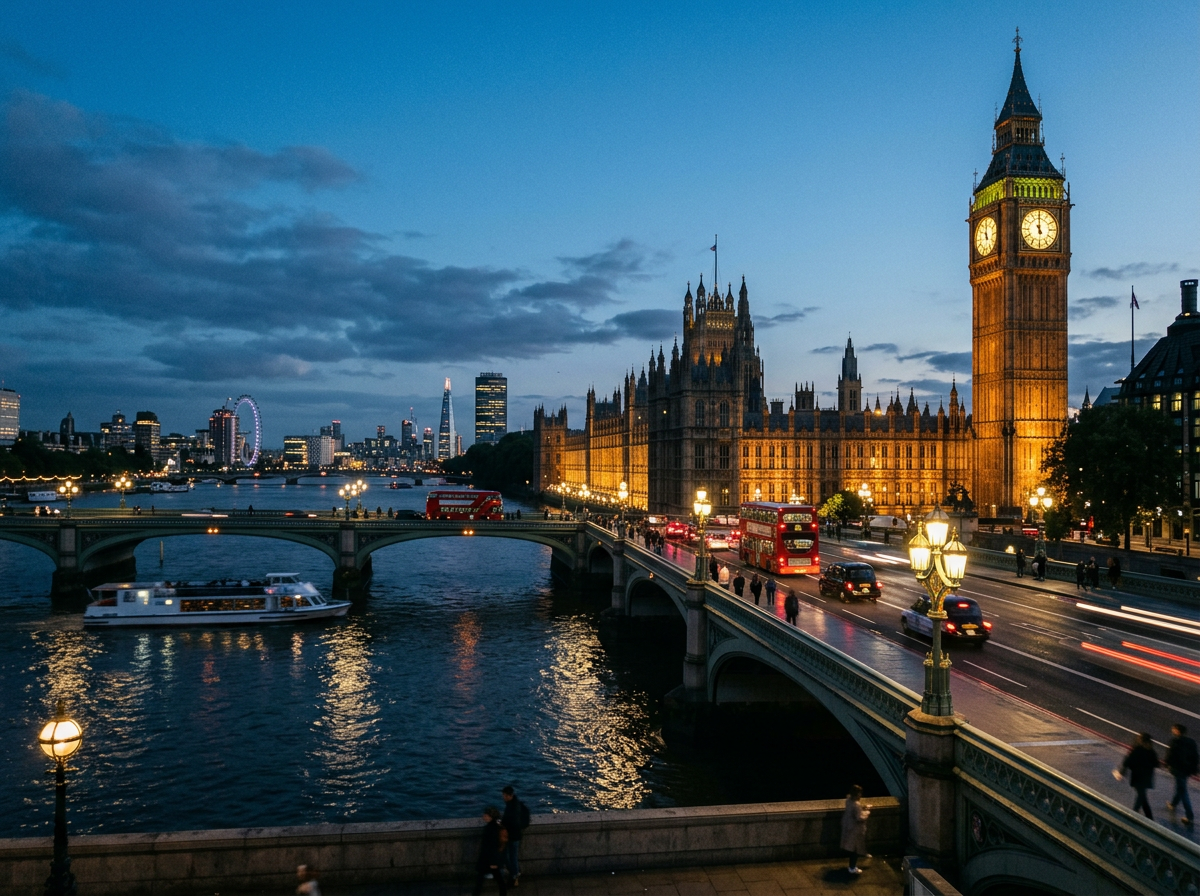
Long-haul international

Regional connector city

Gulf stopover route
Every flight search draws from a roster of fictional listings modeled after well-known carriers, giving the results page real variety in schedule, aircraft type, and fare positioning to compare.
Thai Airways also appears in the results comparison set. All airline listings are fictional and used for prototype demonstration only.
Once a search runs, the Results page lines up every matching flight with departure time, arrival time, aircraft, stops, and price in PKR sitting side by side. There's no scrolling through separate airline sites or reopening tabs to compare a single detail.
Cheapest, fastest, airline, and class filters sit directly above the list, so the comparison narrows the moment your priority becomes clear.
See how comparison worksEconomy, Business, and First Class are treated as genuinely different experiences throughout the booking flow, not just a price multiplier on the same seat.
Efficient seating and standard baggage allowance, built for travelers who want a dependable, well-organized fare.
Wider seating, priority handling, and expanded baggage allowance for travelers who value comfort and time.
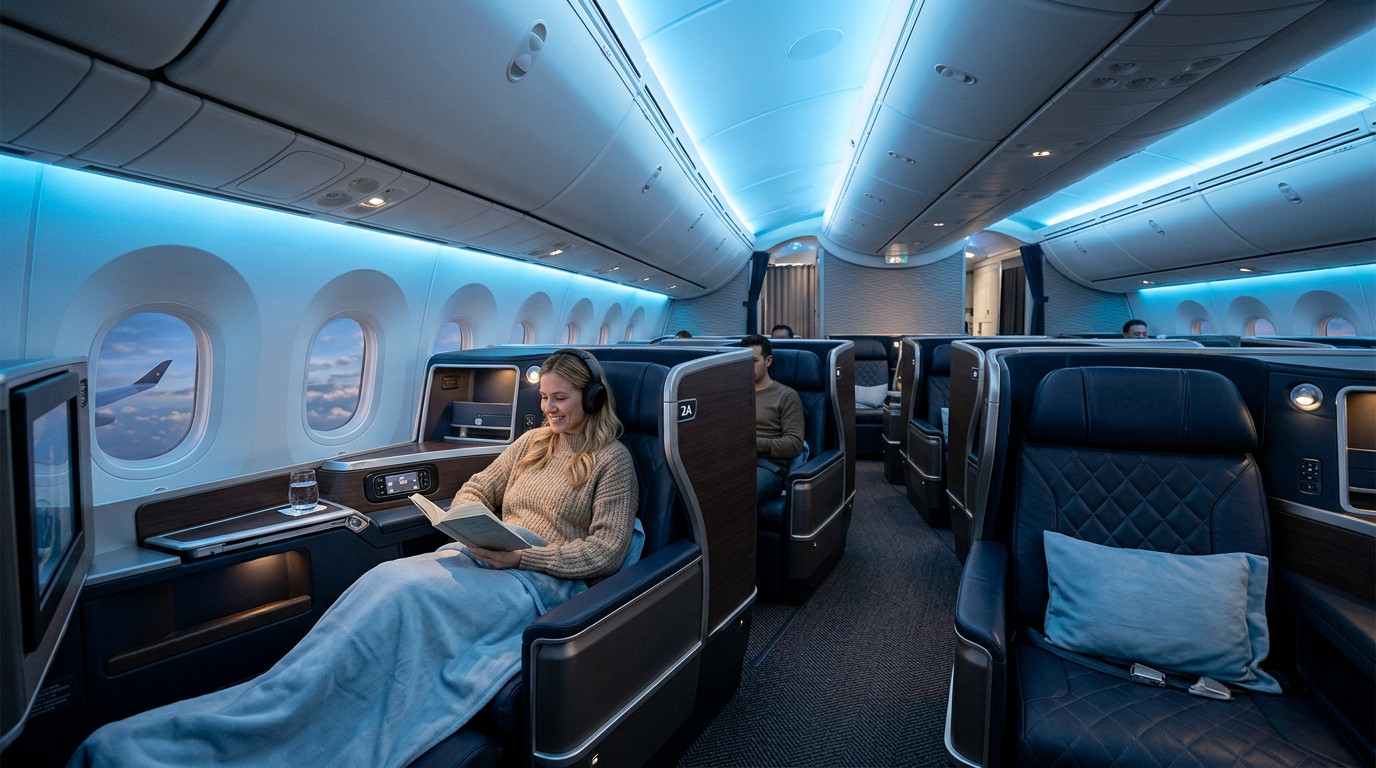
The most spacious cabin option in the simulation, reflecting a premium seat and service tier from search through ticket.
Every booking on SkyRoute follows the same structured order, so nothing gets skipped and nothing gets repeated.
Origin, destination, dates, passengers, class.
Filter results, pick the flight that fits.
Name, passport, contact information, validated.
Seat map, baggage, meals, add-ons.
Full summary, then simulated payment.
Generated e-ticket, ready to print.
When you tap Select Flight on the Results page, the Flight Details view confirms exactly what you chose — route, airline, date, time, price, baggage allowance, and total duration — before you commit to entering passenger information.
This confirmation step exists so there's never a moment of doubt about which flight is actually being booked once the process moves forward.
Browse flight resultsFull name, date of birth, passport number, email, phone number, and nationality — that's the complete list. Each field is checked in real time, so a missing digit or an empty box is flagged before you try to move forward, not after.
This step lives on the Booking page, right after seat and flight context, so your details stay attached to the trip you're actually completing.
Go to passenger detailsThe seat map on the Booking page shows available, occupied, and selected seats in distinct colors. Tap any open seat and a summary line updates immediately — for example, "Selected Seat: 12A" — so there's never ambiguity about what you've locked in.
The map is built to stay usable on a phone screen, with large enough touch targets that seat selection doesn't turn into a frustrating pinch-and-zoom exercise.
Extra baggage in 10kg, 20kg, or 30kg increments, meal choices from vegetarian to premium, travel insurance, and priority boarding are all optional line items on the Booking page. Every checkbox updates the running total instantly, so the price you see is always the price you're actually building toward.
Extra 10kg, 20kg, or 30kg allowances added at the point of need.
Vegetarian, Chicken, or Premium meal selection ahead of departure.
Travel insurance and priority boarding for added peace of mind.
Base fare, seat choice, baggage, meals, and extras all fold into one running total visible throughout the Booking page — never hidden until a final checkout screen. The Booking Review step recalculates everything once more before payment, so the number you confirm is the number that goes to the payment page.
Once the fake payment step completes, SkyRoute generates a booking ID, transaction reference, and a full e-ticket carrying your passenger name, flight number, route, seat, and cabin class. The Ticket page also offers a print-ready boarding pass layout built specifically for a printed page rather than a cramped screen view.
See the ticket experienceMany travel prototypes stop at a pretty search box. SkyRoute carries the traveler all the way through comparison, customization, and confirmation.
Search through ticket generation happens in one connected experience, with no dropped context between steps.
Thirteen fictional airline listings with real schedule and fare variety to weigh against each other.
Validation and progress cues at every step remove guesswork about what happens next.
A generated e-ticket and print-ready boarding pass close the loop convincingly.
Search forms collapse into single-column layouts, seat maps keep touch-friendly spacing, and ticket layouts stay readable without pinching or zooming. Whether the booking happens on a laptop at a desk or a phone at a gate, the same guided sequence carries through with equal clarity.
SkyRoute Airways is a fictional prototype built to demonstrate a complete booking workflow. All airlines, prices, flight numbers, booking confirmations, and payments shown throughout this site are simulated for demonstration purposes only.
No visitor is purchasing a real flight or completing a live financial transaction anywhere on this site. Any ticket, booking ID, transaction ID, or QR code produced during the flow is generated prototype content, not a real travel document.
Business travelers move between Islamabad and Dubai for efficiency, leisure travelers head to Istanbul or London for a change of scenery, and mobile bookers manage all of it from wherever they happen to be standing. The route map behind SkyRoute reflects that range without asking the traveler to compromise on comfort or clarity.
Leave your email to keep the SkyRoute prototype experience handy for your next simulated booking.